Understanding Event Dynamics
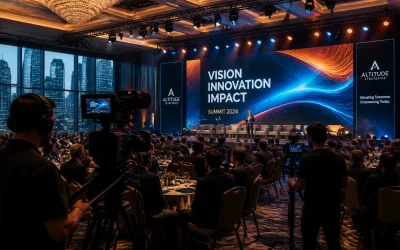
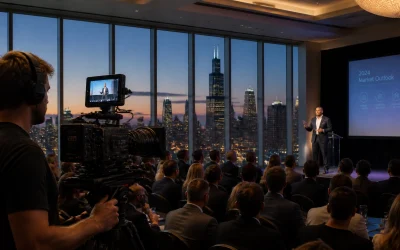
Understanding event dynamics is crucial for anyone looking to capture or participate in business conferences effectively. A well-documented understanding of the event's flow, speaker list, and venue layout prepares you for what's to come and sets you up to engage with the event's best moments.
Reviewing the schedule ahead of the event lets you know precisely when and where the critical presentations will take place. This insight is invaluable for attendees looking to make the most of the conference and for those tasked with documenting the event. Knowing when the not-to-be-missed moments are set to occur ensures you're in the right place at the right time, camera or notebook in hand.
Familiarizing yourself with the speakers — their specialties and speaking styles — can significantly enhance your conference experience. For those capturing the event, understanding a speaker's delivery can help anticipate moments of enthusiasm or powerful statements. For attendees, this insight can guide which sessions to prioritize, ensuring you soak up knowledge from those who resonate most with your interests.
Getting to grips with the venue layout is helpful. Conference venues can be sprawling and complex. Understanding the layout helps in navigating from one session to the next with ease, allowing more time to network or catch your breath. For photographers and videographers, knowledge of the venue is crucial for planning shots, understanding lighting conditions, and figuring out how to move unobtrusively among attendees.
Familiarizing yourself with these elements before the event can significantly impact your conference experience, whether you're there to learn, network, or document. By doing your homework, you position yourself to make the most of the opportunities that business conferences present.
Essential Gear and Settings
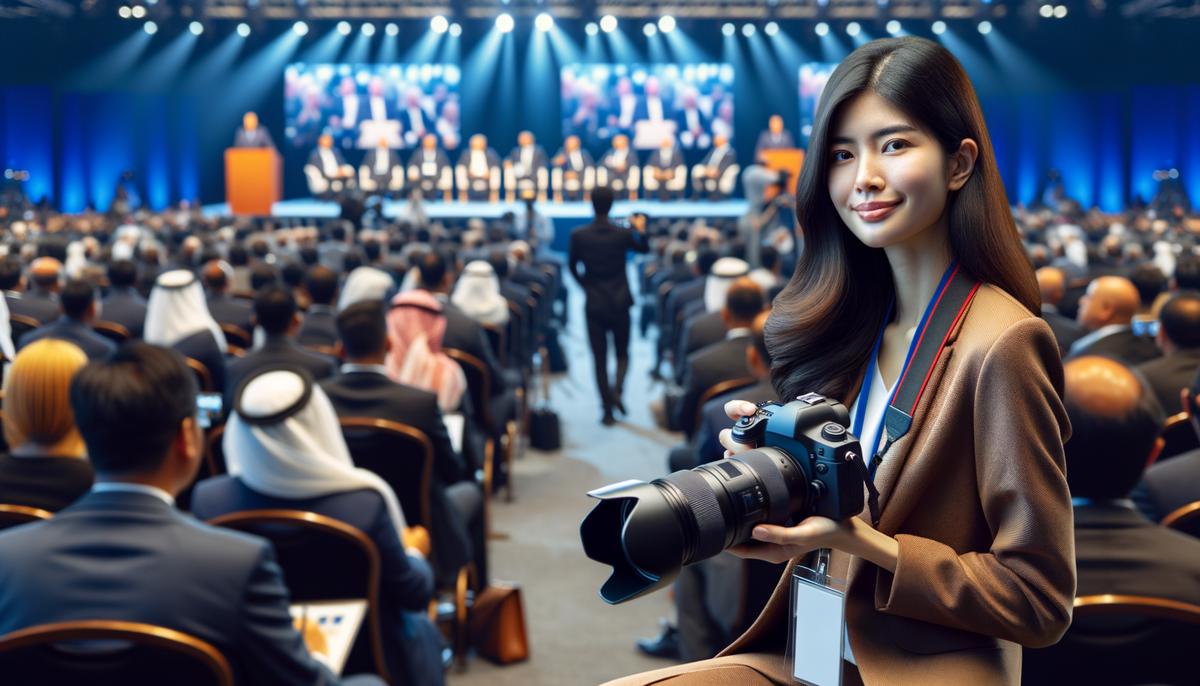
When diving into capturing stunning photographs at conferences, picking the right gear is your first step. Your camera body should be versatile enough to tackle changing lighting conditions and have decent ISO performance. A full-frame camera could be beneficial for its superior low-light capabilities but the best camera is the one that you know inside and out. Ensure that you're comfortable using all its features swiftly during the event.
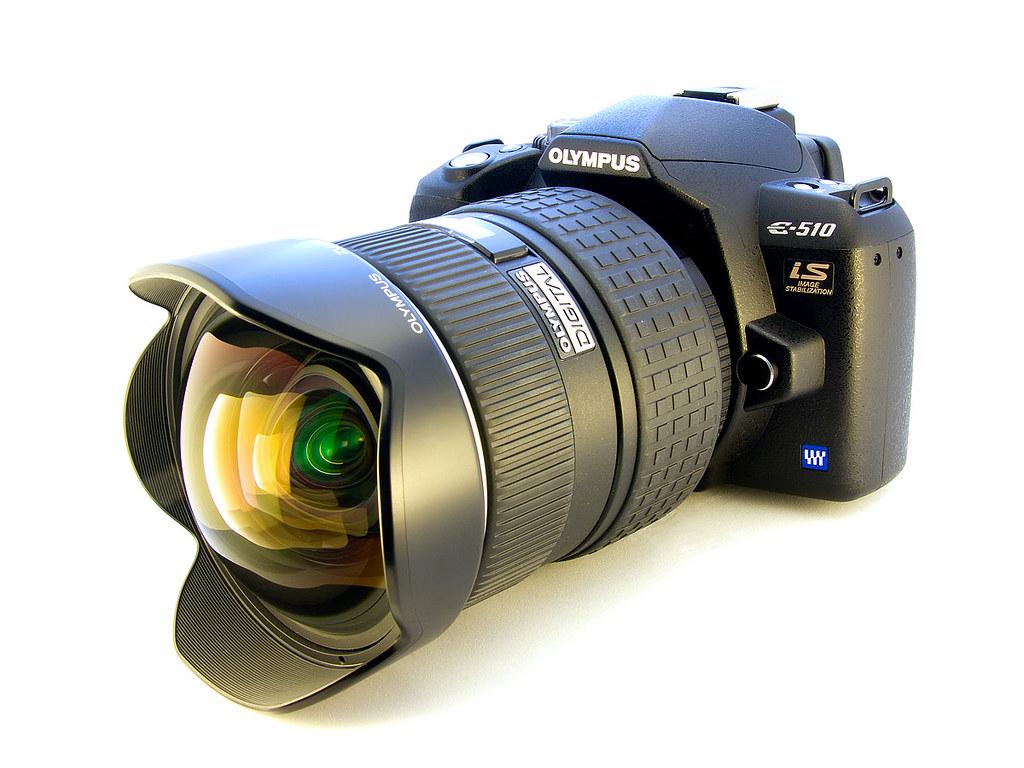
Arm yourself with a wide-angle lens and a telephoto lens. The wide-angle lens is perfect for room shots, capturing the ambiance of the venue, and inclusive photographs of crowds or exhibition spaces. The telephoto lens becomes your go-to when you need to focus on speakers, capturing expressions, and moments of engagement even from a distance. This combination ensures you're well-equipped to document the entire essence of the conference.
Indoor lighting can be challenging, often flickering between too dim and overwhelmingly bright. Understanding your camera's ISO, shutter speed, and aperture becomes paramount.
- ISO: Use ISO to navigate through the different lighting without letting graininess become an issue. Modern cameras offer remarkable high ISO performance, allowing you to make the most of limited light. Start at an ISO level which maintains detail without introducing noticeable noise – this is typically in the ISO 800 to 3200 range for most current camera models, but test your own camera to know its limits.
- Shutter speed: Shutter speed helps freeze motion, ensuring that speakers' animated gestures or the enthusiastic participation of the audience are captured clearly. A general rule is using faster speeds for capturing movement without blur. Aim for at least 1/200th of a second when shooting active speakers or attendees; adjust as needed depending on how lively the scene becomes.
- Aperture: Aperture settings can be used to either put focus on a subject or capture a detailed scene. Wider apertures (lower f/numbers) help in low light situations and provide a pleasing blur to backgrounds, making your subject stand out. When aiming for detail across your scene, such as in wide shots of the venue or audience, a smaller aperture (higher f/number) will keep more of the scene in focus.
Once you've got your gear ready and settings dialed in, blending into the background is key. You want to capture genuine, unguarded moments. Avoid disruptions, move quietly and stay aware of your surroundings. Your aim is to tell a story through your visuals, encapsulating the essence, energy, and environment of the conference.
Mastering these elements – the right mix of equipment and settings – sets you on a path to capture stories, moments of innovation, learning, and connection. Practice these tips at your next conference assignment, and watch your work reflect the vibrancy and dynamism of the event.
Post-Event Editing and Delivery
Following an event, the task of sorting, editing, and delivering photographs awaits. This phase is crucial as it encapsulates the essence of the conference and curates memories for attendees and organizers alike. Let's delve into an efficient workflow that ensures speed without compromising quality, emphasizing light adjustments, color correction, and navigational ease through editing software.
Sorting Through the Shots
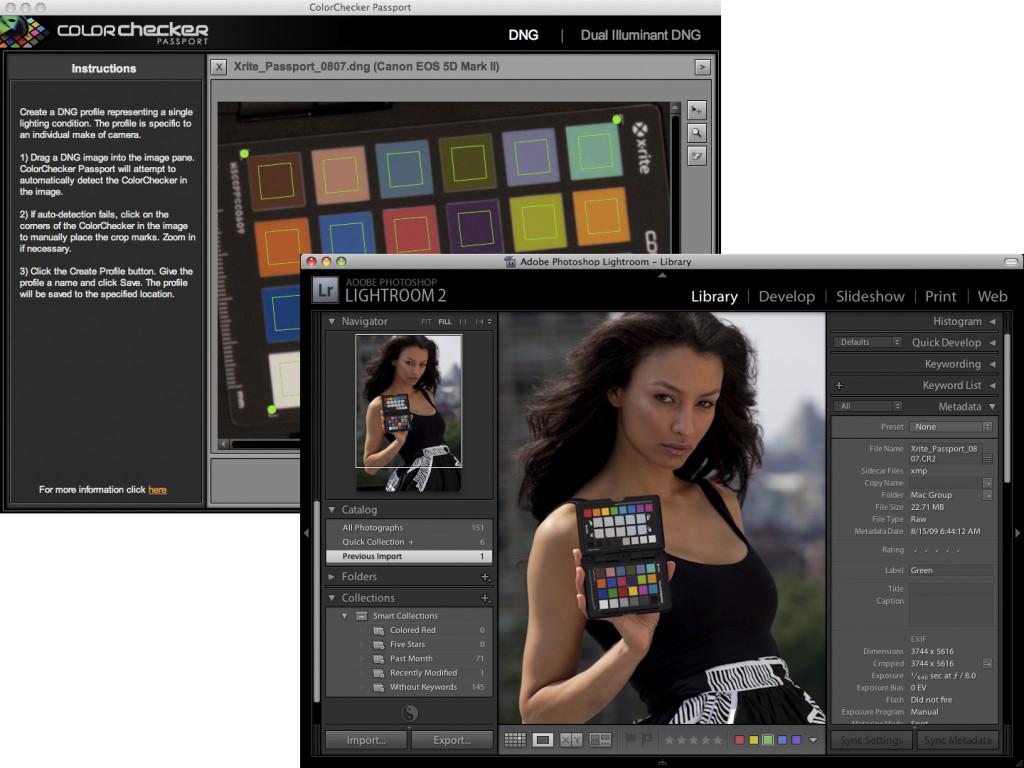
Import your images into your preferred photo management software. Programs like Adobe Lightroom offer the convenience of viewing, tagging, and categorizing photos. Begin by filtering out any unusable shots – those that are blurry, poorly composed or have unfixable lighting issues. Utilize the flagging or star rating feature to highlight the images that best tell the story of the event.
Streamlining the Editing Process
With a curated set of images, the editing process becomes more manageable. Adjusting exposure, balancing colors, and executing minor retouches can breathe life into your photos. When adjusting exposure, aim to correct underexposed or overexposed areas without losing detail in highlights or shadows. With color correction, strive for natural skin tones and accurate representation of the venue's ambiance. Presets in Lightroom or Photoshop Actions can be timesavers, but ensure adjustments are tailored to each photo's unique needs.
For events, maintaining a consistent look across all images is key. Batch editing can be effective; apply a preset to a group of photos taken under similar lighting conditions. However, inspect each photo afterward to guarantee the preset applied fits each image.
Organizing for Delivery
Once edited, organizing photos for delivery is pivotal. Consider categorizing images based on the event schedule or themes. This aids in storytelling and assists the client in navigating through the photos.
Naming your files coherently is also crucial for easy identification. Include the event name, date, and a unique identifier for each photo in the file name. This method aids clients in referencing specific photos amidst a large collection.
Choosing the Right Delivery Method
Your delivery method should align with the client's needs and the scale of the project. Digital delivery options like cloud storage services or gallery websites offer convenience and accessibility. Ensure high-resolution files are accessible for printing purposes and web-size options are available for immediate social media sharing.
Before sending off your final gallery, review your work. Ensure the collection tells the comprehensive story of the event, capturing both significant moments and subtle details.
Through an efficient, thoughtful post-event workflow, photographers can deliver captivating galleries that reflect the energy and essence of the event. Prioritizing quality adjustments, streamlined processes, and organized delivery enhances client satisfaction and bolsters your portfolio.
- Adobe. Lightroom Classic User Guide. Adobe Help Center. Updated April 2023.
- Kelby S. The Digital Photography Book: The Step-by-Step Secrets for How to Make Your Photos Look like the Pros'! New Riders; 2020.